SMS Services (PM)
🔗 Original page — Source of this material
Description
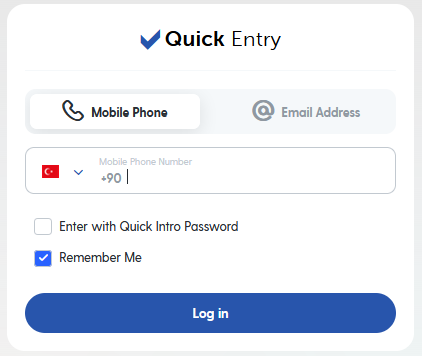
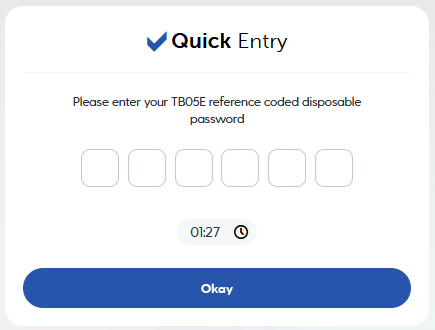
Some websites require you to enter a mobile phone number to confirm your registration. A verification code will be sent to that number.
  |
|---|
| Examples of SMS requests for signing in. |
This is where third-party SMS services can come in handy. We'll do our best to make them easier to use.
How to connect?
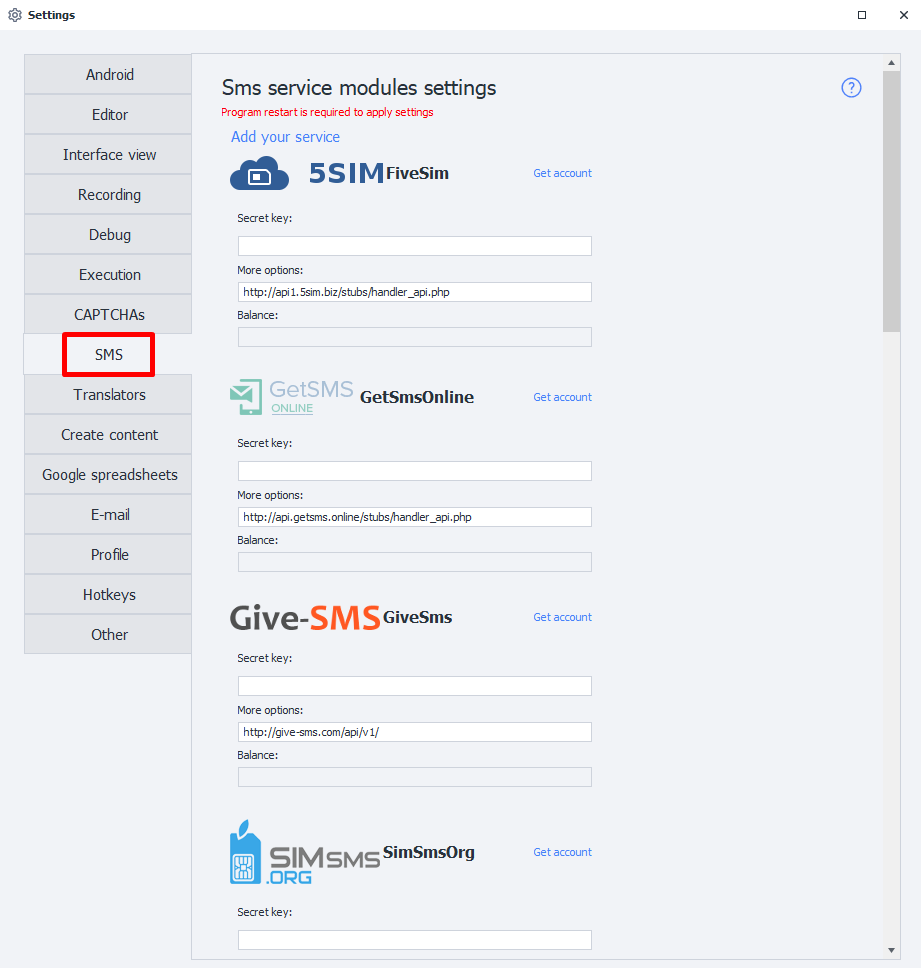
Secret key
Most services require what is known as an API key. This is a unique string of random characters that the service uses to identify you. For example, it might look like this: 8fc9b30e544885b8480fb590dfcbdd71.
To get an API key, go to the website of a service that suits your needs and review its terms. Once you've made your choice, sign up for the SMS service and get your API key from your account.
Additional parameters
Enter the URL (domain) for receiving API requests here. It's set by default in the program and doesn't need to be changed unless necessary. If the URL isn't already specified, check the documentation for your chosen service.
Balance
Once you've authorized the service, your current balance will appear in this field.
This means an error has occurred. Possible causes include an incorrect key, service issues, or a banned key.
Available services
- 5SIM Five Sim;
- GetSmsOnline;
- Give-SMS;
- SIMsmsOrg;
- SMSAcktiwator;
- SMS Activate;
- SmsHub;
- SMSpvaCom;
- SMS-REG;
- VAK-SMS;
- virtualSMS;
Your own service
Add your own service (module)
You can also add your own SMS receiving service based on the APIs of popular services.
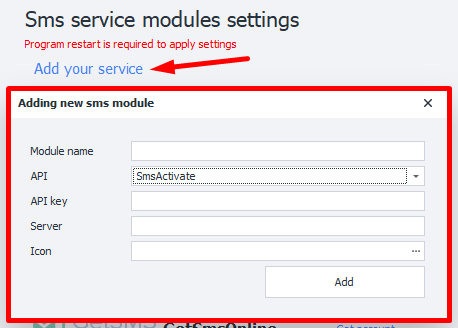
Required parameters
Please check with your service provider.
Module name
Enter a name for the new service, up to 20 characters.
API

Select the API of the service your module will be based on.
API-key
The key for the service. This is the same key you enter in the Secret key field when connecting the service.
Server
The URL (domain) where requests to receive SMS messages will be sent.
Icon
The selected image will appear next to your module.

Available formats: jpg, bmp, gif, png.
Using the added service
Once you've added the module, you can select it in the action for working with SMS services. You can then use it just like the built-in services.

Removing a module
To remove the module you've created from the program, you need to delete two files:
c:\Users\USERNAME\AppData\Roaming\ZennoLab\Configs\ИмяМодуля.dll.configc:\Users\USERNAME\AppData\Roaming\ZennoLab\CustomModules\Sms\ИмяМодуля.dll